Survive Your Ideas Guides Hub
From your first Writer turn to stacked disasters — every how-to in one place.
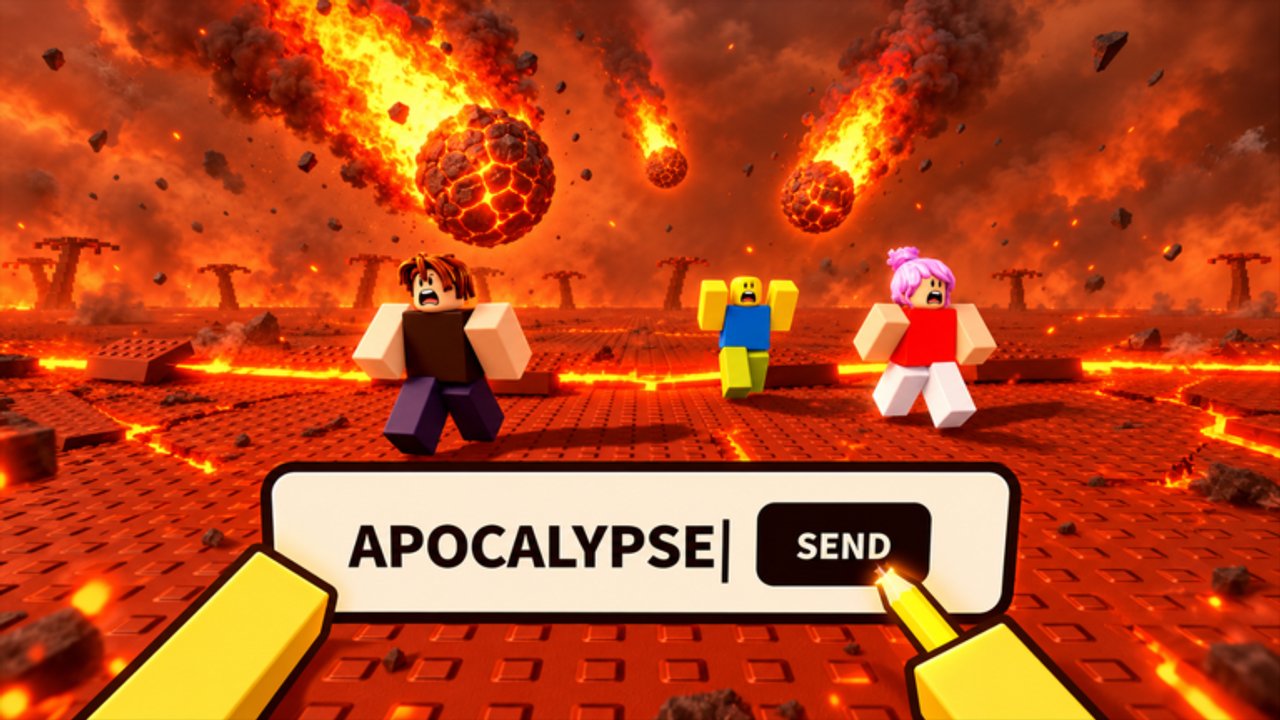
Welcome to the Guides Hub for Survive Your Ideas on Roblox. This section collects practical walkthroughs so you spend less time guessing and more time surviving. Matches are short, chaotic, and stacked: every typed word stays in play, so the map gets harder with each Writer turn. Use these pages to learn the loop, react to hazards, unlock Meta Words with Cash, plan combos after the November nerfs, compare gamepasses, and set up controls on PC or mobile.
Start here if you are new
If this is your first session, open Getting Started first. It covers how Writer turns work, how Cash and the Word Diary / Index pay out, how a five-item loadout fits into a match, and what to do before you press Play. Pair it with Controls so WASD movement, sprint, Enter / Write, and hotkeys 1–5 feel automatic before a Tsunami or Nuke hits. When the basics feel automatic, graduate to Tips and Tricks for positioning, Final 3 habits, and Cash-versus-spins discipline.
Survival, Meta Words, and intermediate depth
Once you understand the loop, move to How to Survive. That guide walks hazard by hazard — climbing for Tsunami and Lava, bunkering for Nuke, finding shade for Supernova, escaping Black Hole pull, and tracking stacked effects so you do not fixate on one threat. When you have Cash from survival and Index discoveries, study Meta Words for slash commands such as /double, /undo, /ghost, and /jackpot, plus Robux options like /chaos and /admin. Always type the leading slash; without it the game treats the text as a normal word.
Intermediate Writers should also read Word Combos for player-observed stacks after the November 12 balance pass (Freeze into Nuke is no longer a free wipe), and Gamepasses before spending Robux on /admin, bundles, or Lucky Spins.
How this hub connects to the rest of the wiki
Guides explain how to play. For community rankings of strong words and useful gear, visit the Tier List Hub, then Best Words and Best Items. For free lobby rewards, check Codes. Keep these hubs bookmarked: Survive Your Ideas updates often change menus, prices, and word behavior, and this wiki is built so each guide links to the next decision you need.
Guide map
- Getting Started — day-one match flow, Writer role, Cash, Index, and loadout basics
- How to Survive — HUD tips and reactions for major disasters
- Meta Words — Cash and Robux slash unlocks with prices and effects
- Controls — PC keys, mobile Write button, item slots, lobby UI
- Tips and Tricks — positioning, economy, Final 3, Mastery grind, map voting prep
- Word Combos — post-nerf stacks, counterplay, and Writer ethics
- Gamepasses — Cash vs Robux value, spins, Grapple Hook, VIP panel notes
What a good session looks like
- Redeem any new Codes in the lobby.
- Confirm your five-item loadout and free Grapple Hook progress if you Like and Join the group.
- Queue, watch the island, and plan a word before your Writer turn.
- Read the HUD tip the moment a word lands, then move.
- Bank Cash from survival time and new Index entries toward your next Meta Word.
Use this hub as a checklist before long sessions. Jump into a child guide when you need depth, then return here when you want the full map of tutorials again.
Frequently Asked Questions
Quick answers to the most common Survive Your Ideas questions.
Which Survive Your Ideas guide should I read first?
Start with Getting Started for match flow and Cash, then Controls so movement and Writer input are automatic. Open How to Survive before you chase Meta Words unlocks.
Do guides replace the in-game HUD tip?
No. Always read the tip banner after a word lands. Guides teach patterns; the HUD tells you what just happened in that round.
Where do Meta Words and tier lists fit?
Meta Words is the unlock and pricing guide. Best Words and Best Items under the Tier List Hub rank community favorites after you know the basics.
Are these guides only for PC?
No. Getting Started and Controls cover mobile Write taps and item slots as well as WASD, Sprint, Enter, and keys 1–5 on PC.